















- 1
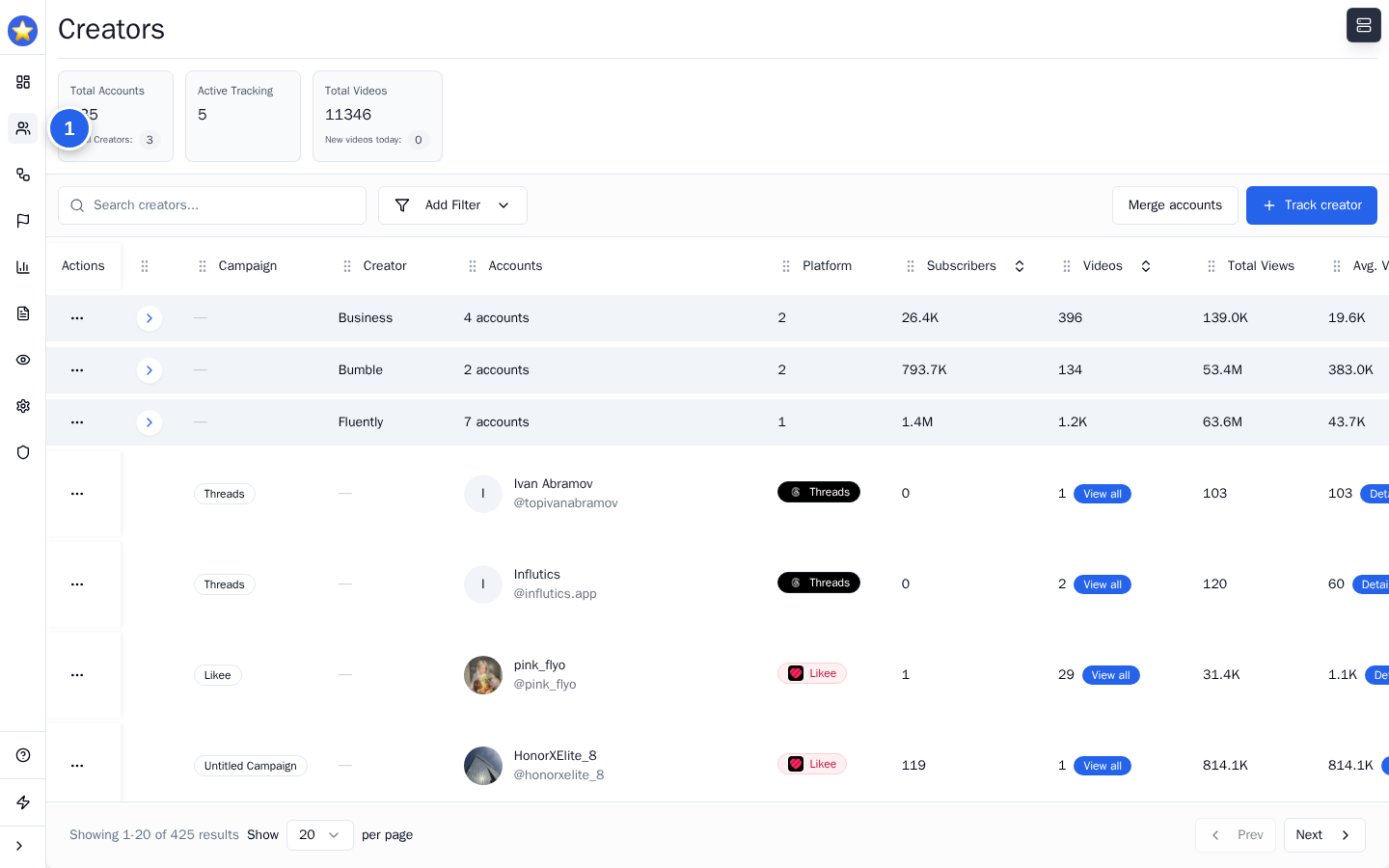
Open the Creators tab
In the left sidebar, click "Creators". Every account you track lives here, with subscribers, video counts and total views.
- 2
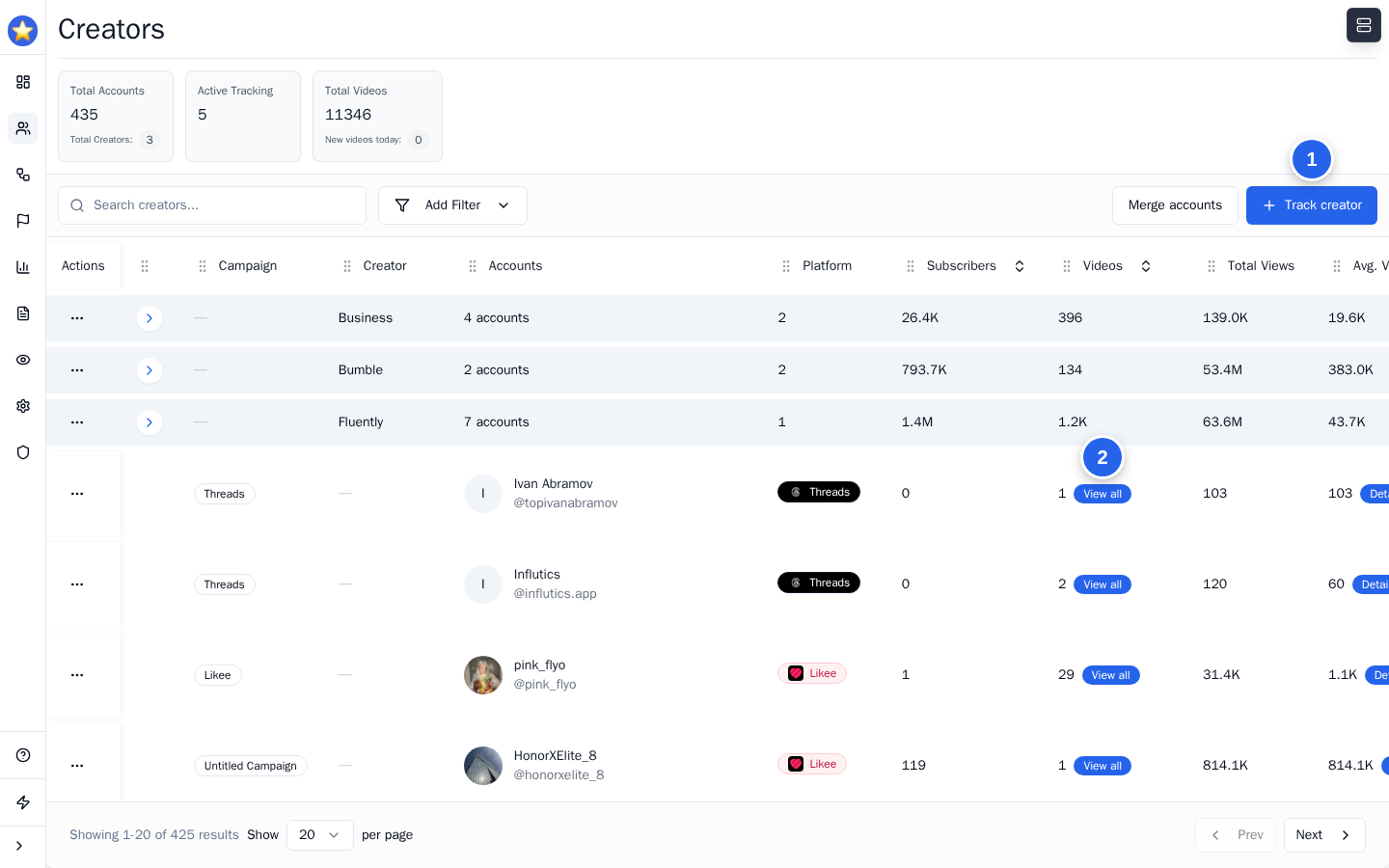
Track the Facebook creator
Click "Track creator" ①, enter the Facebook creator (@creator), then Create. Influtics starts tracking every video on the account.
- 3
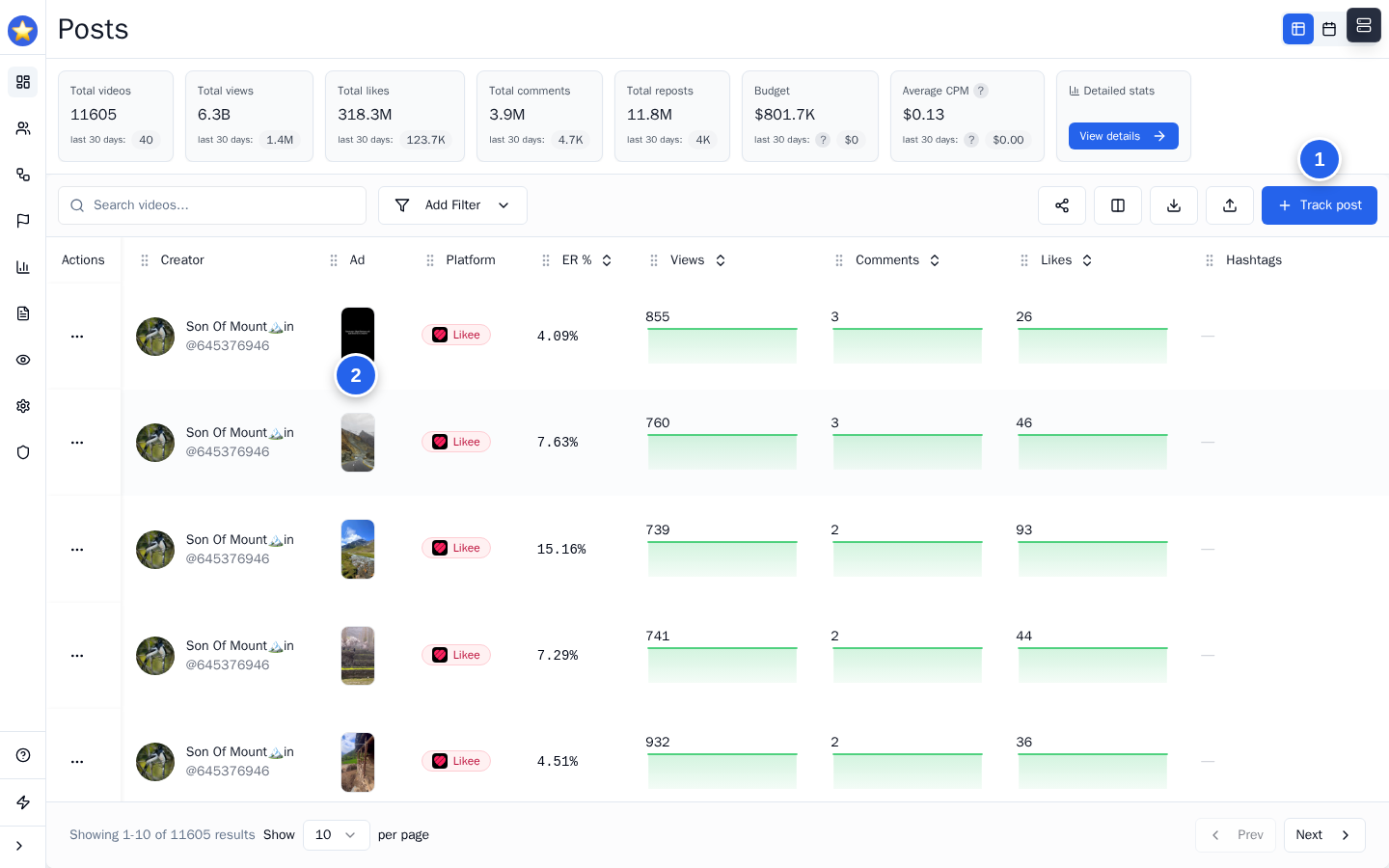
Follow every video
Click "View all" ② on the account to open its Posts: totals at the top, per-video stats and sparklines below.
Also for this platform
Posts
Frequently asked questions
Ready to Automate Your Social Media Analytics?
Join thousands of creators who trust our platform for real-time metrics tracking
100K+
Videos Tracked
50M+
Data Points Analyzed
99.9%
Uptime